

Assigning Curators
Create a User Group
Navigate to the Admin Panel and select the Groups tab in the sidebar.Select Create New Group, assign your users, and add any Connectors that you want to share with the group.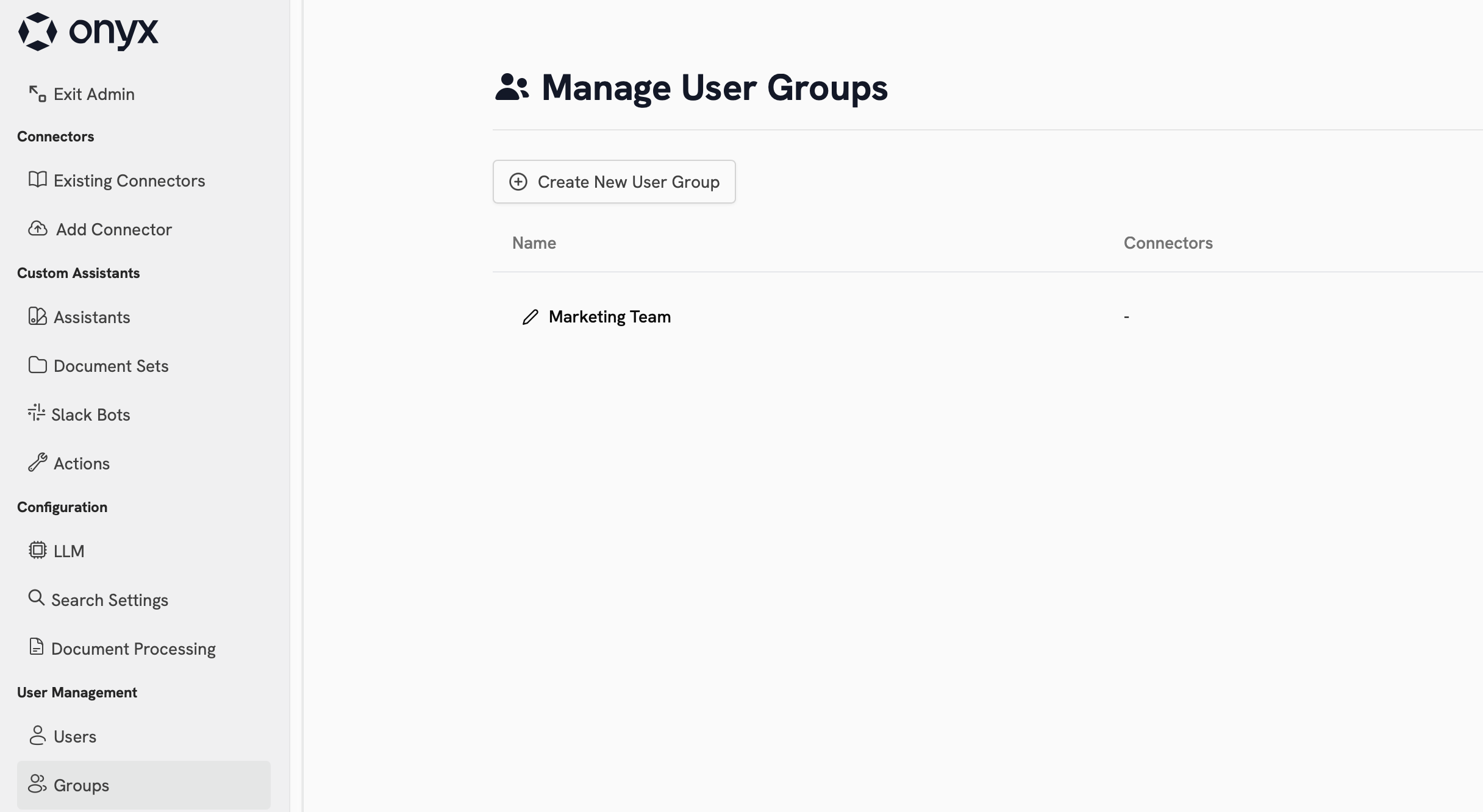
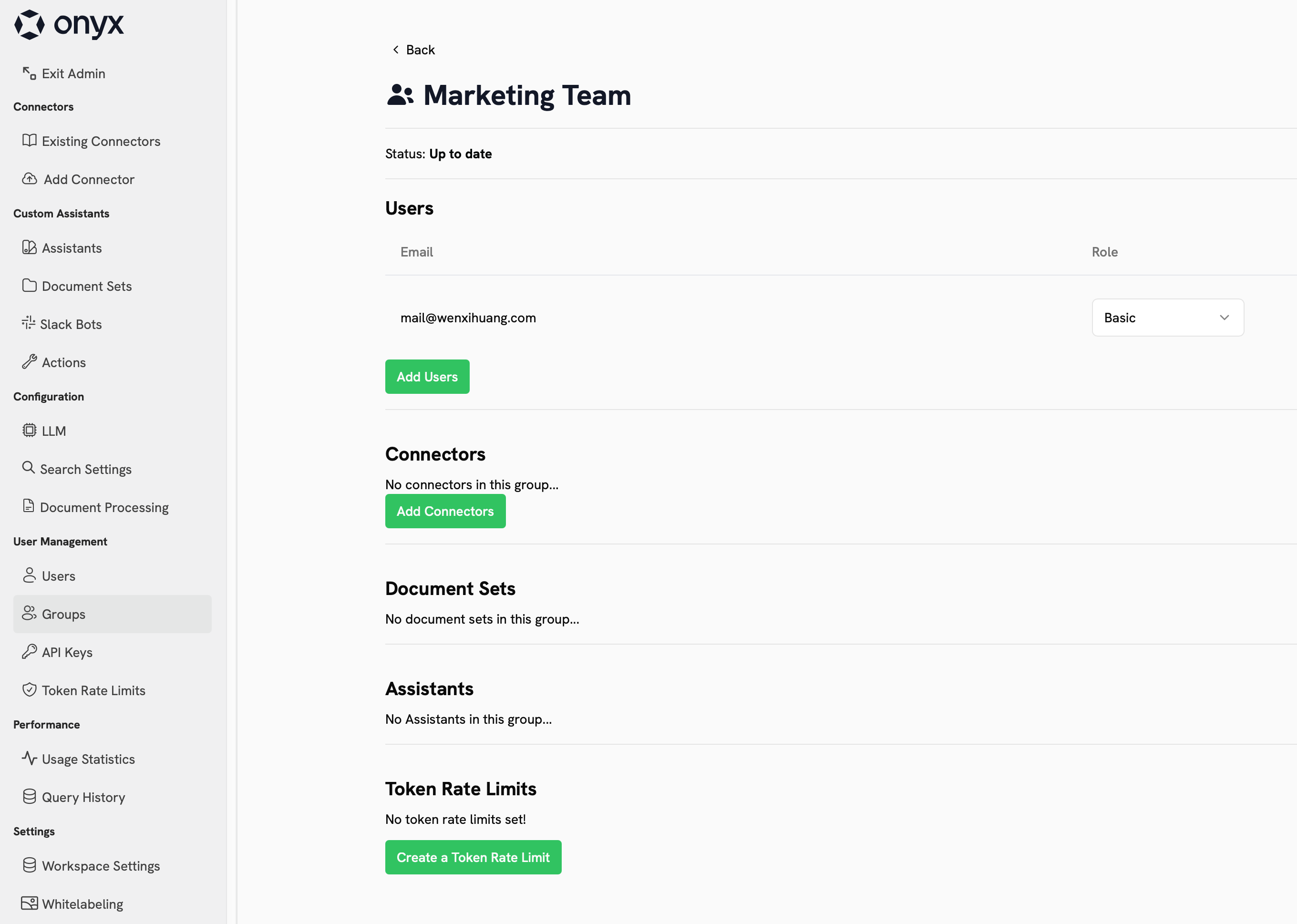
Global Curators
Instead of manually assigning Curators within each Group, you can assign Global Curators from the Users management page. Global Curators are automatically set as Curators for every Group they belong to.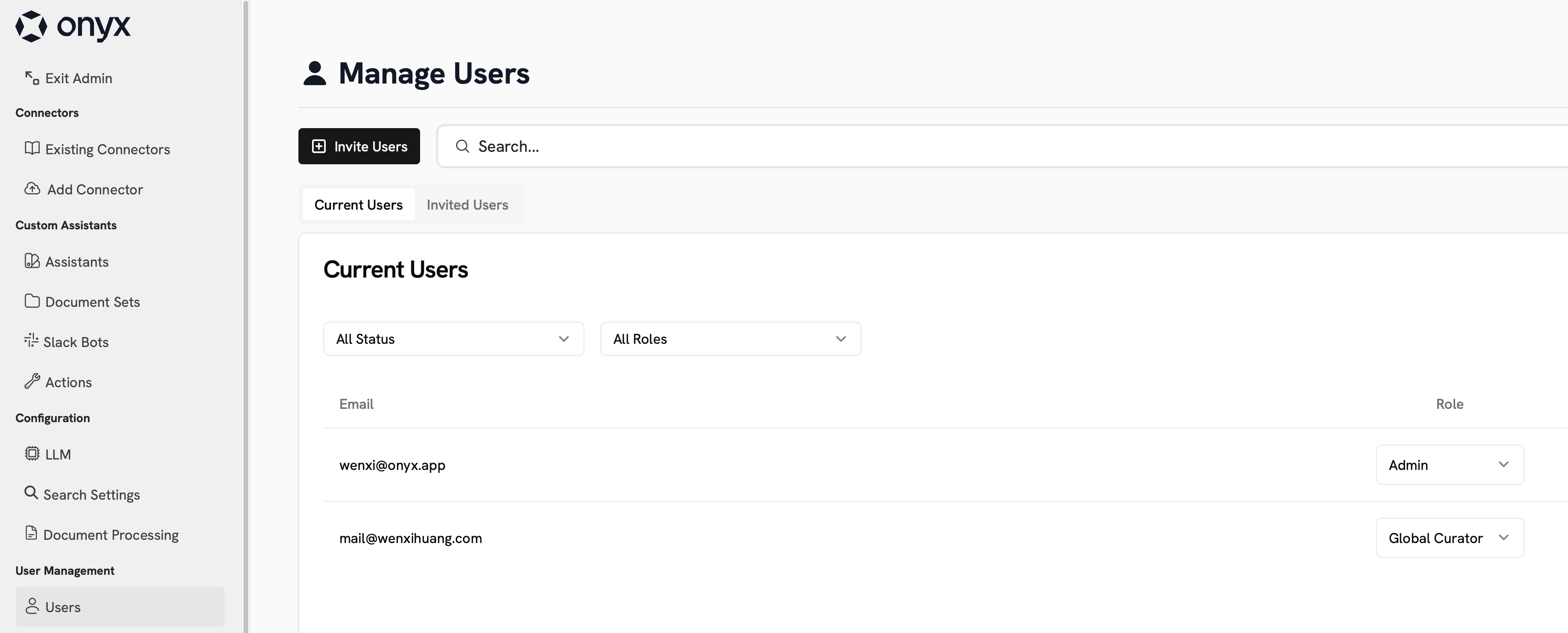
When to use Curators
Use Curators when you need to delegate administrative tasks to specific teams or departments while maintaining access control boundaries.Common Scenarios
- Multi-team organizations requiring isolated data access (Sales, Marketing, Engineering)
- Departmental autonomy for connector and agent management
- Reducing admin workload while preventing workspace-wide permission escalation
Benefits
- Group-scoped administrative privileges instead of global admin access
- Self-service connector and agent management for designated teams
- Maintains data isolation between different organizational units