

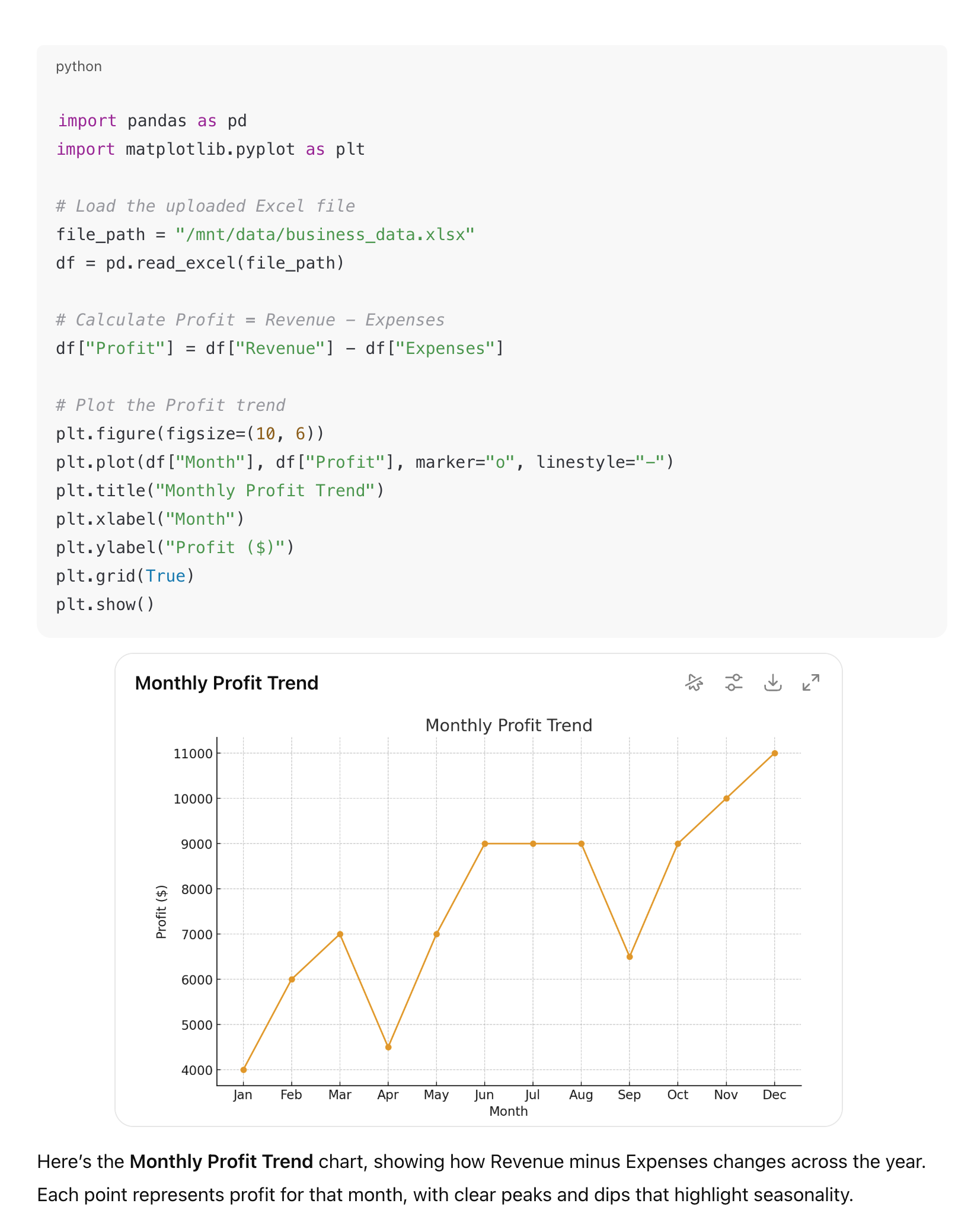
The LLM determines when to use code execution based on the user’s query — no explicit invocation is needed.
It can also be attached to custom Agents, giving the LLM the option to use it as needed.
Features
The code execution action runs in a secure, sandboxed Python environment with all dangerous functionality removed (such as network access and filesystem access outside of the sandbox).- Libraries: Comes with pre-installed libraries such as numpy, pandas, scipy, matplotlib, and more.
- File Input: Pass arbitrary file types along with the code to run against them.
- File Output: Files can be created and provided back to the user.
- STDIN/STDOUT Capture: All program outputs are captured and displayed to the user.
- Graph Rendering: The Onyx Chat UI renders returned graphs and other visualizations directly in the conversation.