Overview
Supported Features
- Connect as many Slack apps as you need. Associate each Slack app with Onyx Agents for specific use cases.
- Channel-level configurations. Each channel can have a different default behavior based on its purpose.
- Answers from internal or web knowledge include citations that link back to the original sources.
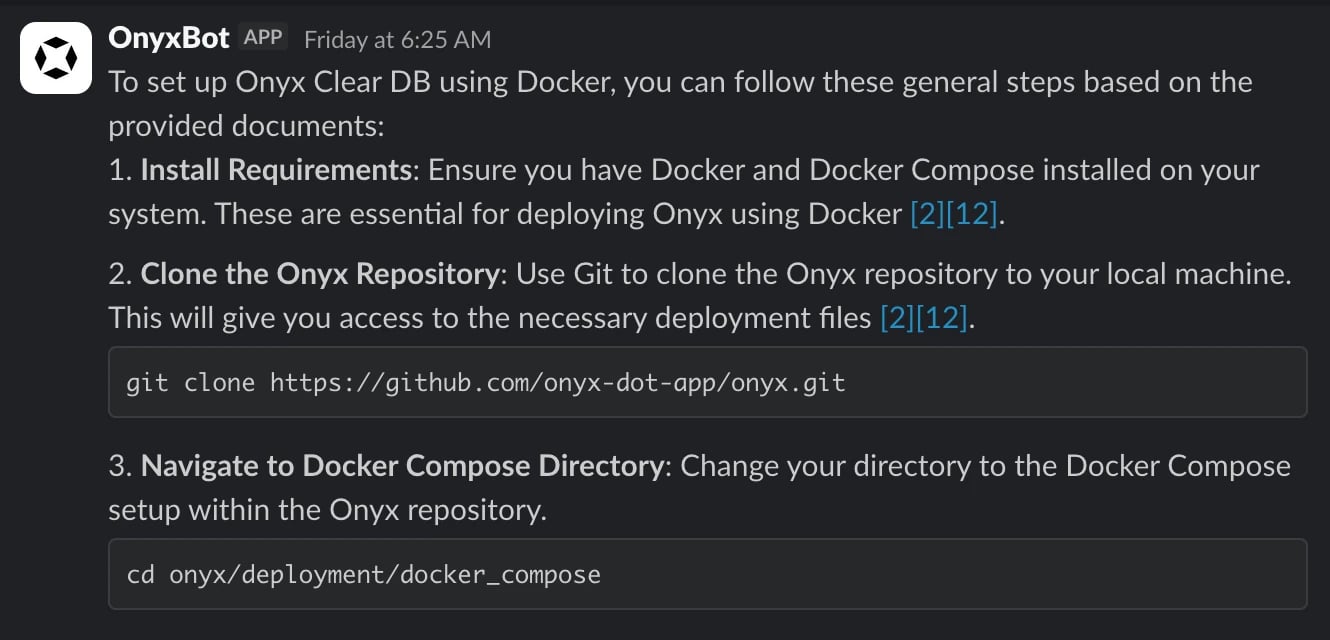
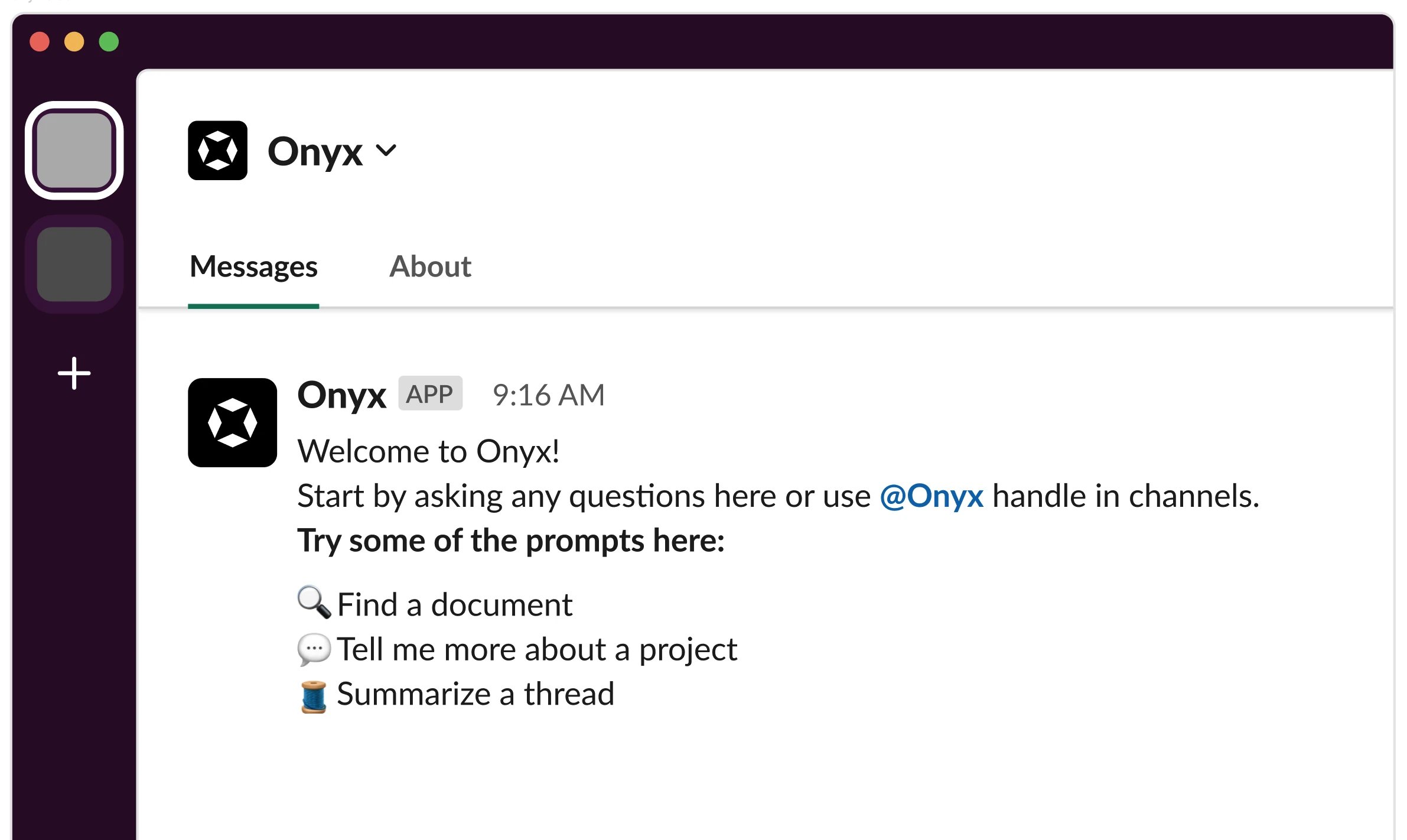
- Works in threads, channels, and DMs.
- Select Continue in Web UI to carry a Slack thread into the Onyx web app.
How it works
Your admin connects a Slack app in Admin Panel > Integrations > Slack Integration. Onyx connects to Slack over Socket Mode, so no public webhook URL is required. For each channel, your admin can set:- Whether OnyxBot answers every message or only messages that tag @OnyxBot
- Whether OnyxBot answers only questions, only certain users or groups, or messages from other bots
- Which knowledge OnyxBot uses: all organization-wide knowledge, specific document sets, or a specific Agent
- Whether the answer is standard or detailed
- Whether the reply is private (ephemeral) to the person who asked
- Who to tag for follow-up when OnyxBot cannot answer
The Slack bot is available on all editions. Standard answers, which return a pre-written reply for matching questions,
are an Enterprise Edition feature. Onyx Cloud includes all Enterprise Edition features.
Try it out
To test it out, join the community Slack and see the #ask-onyx channel or tag @OnyxBot from anywhere.